Starting DTS Wizard
Q
 How To Start DTS Wizard?
✍: Guest
A
If you have installed DTS as part of the SQL Server 2000 Enterprise Manager tool properly, you should be able to start the DTS Wizard from the start menu:
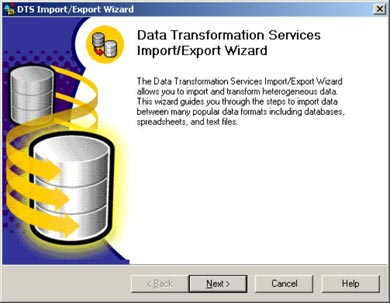
Click Start > All Programs > SQL Server > Import and Export Data. The DST Wizard window will show up.
You could also start the DTS Wizard from the File Explorer windows:
Go to C:\Program Files\Microsoft SQL Server\80\Tools\Binn and double-click dtswiz.exe. The DST Wizard window will show up.
⇒ Defining SQL Server 2005 as the DTS Data Source
⇐ Installing DTS on Windows XP Systems
⇑ SQL Server FAQs - Introduction to DTS (Data Transformation Services)
2024-01-31, 2283🔥, 0💬
Related Topics:
